
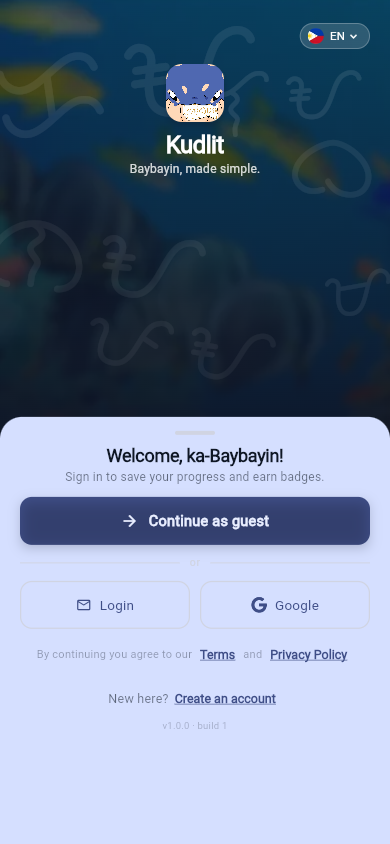
 Start instantly
Continue as a guest, or sign in with Google, your phone, or email.
Scan a glyph and see what it says. Turn Filipino into Baybayin, then practice the marks until they stick.
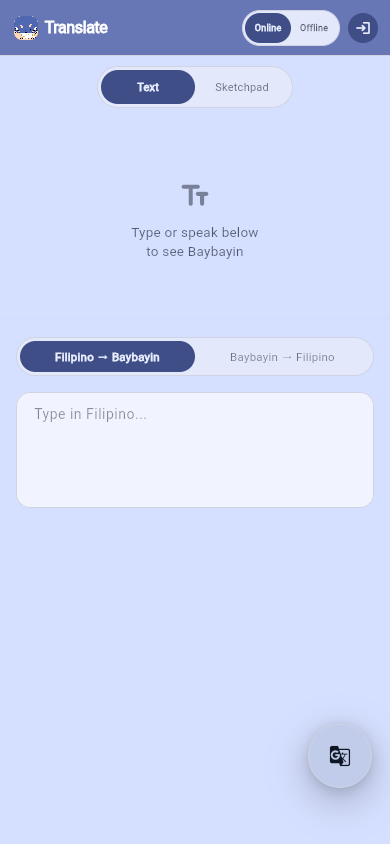
Kudlit brings scanning, translation, lessons, glyph references, and companion guidance into a single mobile learning flow.
Start instantly
Continue as a guest, or sign in with Google, your phone, or email.
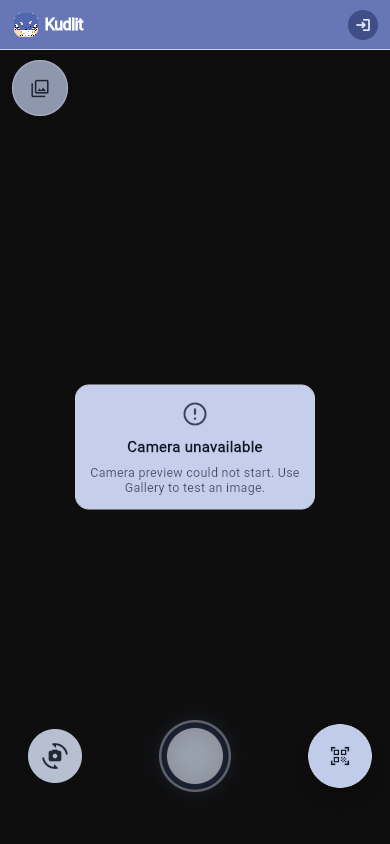 Scan Baybayin glyphs
Point your camera at a glyph, or choose a photo, and see what it says.
Translate both ways
Type Filipino and see Baybayin, or read a Baybayin mark back in Filipino.
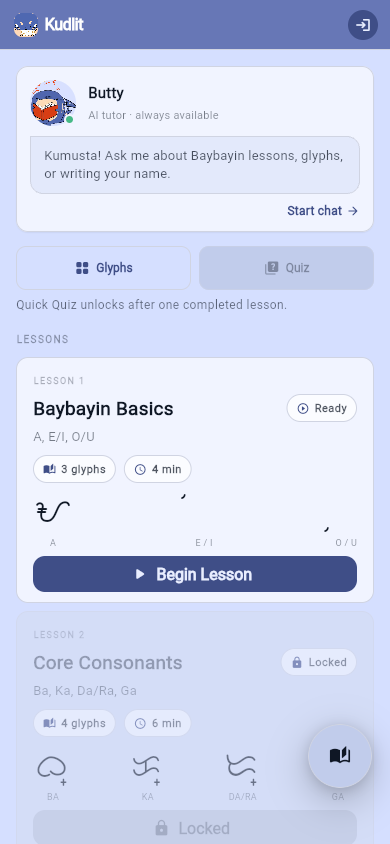 Learn by doing
Take a lesson, look up a glyph, try a short quiz, or sketch the marks yourself.
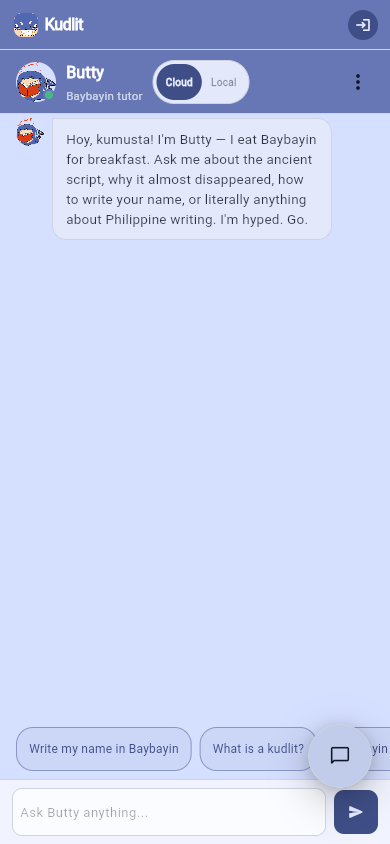 Ask Butty
 when a mark is confusing and get a plain explanation.
Install the app, then try scan, translate, lessons, and a chat with Butty.